

Packages We Offer


Need a Customized Website or Mobile Apps?
Share your requirements and get a 30% flat discount on Custom Packages.









Website & Apps Related FAQs
I am totally new to this "website thing". How does the whole process work?
Never fear, that’s why we are here. You can learn about our time proven process on our contactus page .
How long has Visiweb Solutions been building websites/app?
Visiweb Solutions was founded in 2019 by Founder, Harsh Gupta. You can learn more on our About page .
How much does a website/app cost?
The cost of a website/App can vary depending on various factors, just like the cost of a house may vary. Though our website projects generally start in the ₹5,000 range for basic business sites and range upward depending on your unique needs.
How does the payment process work?
The project starts with a 30% deposit and the project balance over the course of development.
What kind of businesses do you work with?
We work with a broad range of company types [small start-ups, large corporations, nonprofits, B2B, B2C and more] across many business industries [technology, food, apparel, health + beauty, camps, travel, finance, arts, fair trade, and more.]
Over the years, we’ve helped businesses improve customer service, market their products, and attract customers. Functionality requests range from basic to advanced. Our team takes the time to get to know your industry, organization, and competitors to ensure your site supports all of your goals.
How long does it take to build a website/app?
Our standard websites/app take approximately 9-120 days to create. Our E-commerce (online store) websites/app take approximately 160 days to create. This time will vary from project to project.
Who will I work with during the project?
This is a great question to ask and you should ask it of any web design and development firm you are considering. Many firms will farm out work to freelancers or interns. Some firms give little or no access to client’s who want to speak directly with their designers or developers. Our clients work directly with our tight knit crew. Who that will be depends on your project needs and what stage of the process you are in during the project. The Founder, Harsh Gupta also stays involved from start to finish.
What platform do you build your websites/app on?
We build all of our websites on the open-source Content Management System (CMS) platform.
Can you help me update my existing website/app that another web firm built?
No. We only support websites that we have fully built. We have this policy so that we can 100% stand behind everything that we craft. There are issues of liability of multiple programmers touching the same code over time.
Can you help me write content for my website/app?
Yes. We include copy writing and editing in all of our proposals. We also build your sitemap and help structure the foundation of your website in the planning stages.
Can you help me source photos for my website/app?
Yes. We will help you source stock photos from sites such as www.bigstock.com and www.unsplash.com . We also have photographers and videographers available to produce custom photography and videos for your website/apps.
Do I own my website/app?
YES! Everything that we build will be 100% owned by you. Most of our clients stay with us for the life of the website. Our team is just irresistible that way. But if for any reason you decide you want to take your site to another hosting service and get another company to service the site, we will happily assist you in making the transition as effortlessly and efficiently as possible. The website is yours after all, and we want you to take it wherever you go.
What's with the name?
The Founder, Harsh Gupta, formed Visiweb Solutions in his dorm room at New Delhi/ Noida,UP in 2019. He believes in not only building websites/apps, but in building relationships that last a life-time, and then some, hence the name.
Find the right fit for your next stage.
Explore what each solution can do, what to prepare and which questions to ask before choosing your package.

Start with the business problem, then choose the package
A useful website or app starts with one clear outcome: more qualified enquiries, easier ordering, fewer manual tasks or better visibility across your operation. Write down who will use the system, what they need to accomplish and where the current process slows them down. That brief helps us recommend a starting scope and separate launch essentials from improvements that can follow later.
Name your primary customer or internal user
Choose the most important action to complete
List your current tools and manual workarounds

Give potential customers a clear reason to contact you
A business website should explain your services, answer common buying questions and make the next step obvious. Organise pages around the needs of your audience, with clear service descriptions, useful examples and contact options that work on a phone. Before choosing a package, confirm the number of pages, who supplies the copy and images, and how future content updates will be handled.
Service pages with clear enquiry journeys
Credibility through genuine work and business information
A content checklist before design begins

Build a store around the way you sell
An online shop needs more than attractive product cards. Your catalogue, product options, stock rules, delivery areas and payment methods shape the customer experience. Plan how shoppers find the right item, understand the total cost and track their order. Share your catalogue size and fulfilment process when requesting a quote so the proposal can identify required integrations and any recurring third-party charges.
Product categories, variants and useful filters
Checkout, delivery and payment requirements
Clear order and stock responsibilities

Make repeat grocery orders easier to manage
Grocery operations involve frequent purchases, changing availability and practical delivery constraints. A well-planned ordering platform can organise products by category, show serviceable areas and help customers place repeat orders. Your scope should explain how substitutions, out-of-stock items and delivery slots are handled. Start with the operational rules your team can consistently fulfil, then add more advanced delivery or loyalty features as a separate phase.
Define delivery zones and order cut-off times
Agree on stock and substitution workflows
Plan repeat purchases and customer support

Connect course discovery with a useful student experience
A learning platform should help students understand what a course covers before they enrol and make the next lesson easy to find afterward. Decide how courses are structured, which materials are downloadable and whether classes are recorded, live or both. Instructor access, assignments, progress tracking and certificates each need clear requirements. Video hosting and live-class services should be identified separately in the quotation.
Course outlines and enrolment journeys
Lesson access and learning materials
Instructor roles and student progress needs

Bring everyday HR tasks into one organised workflow
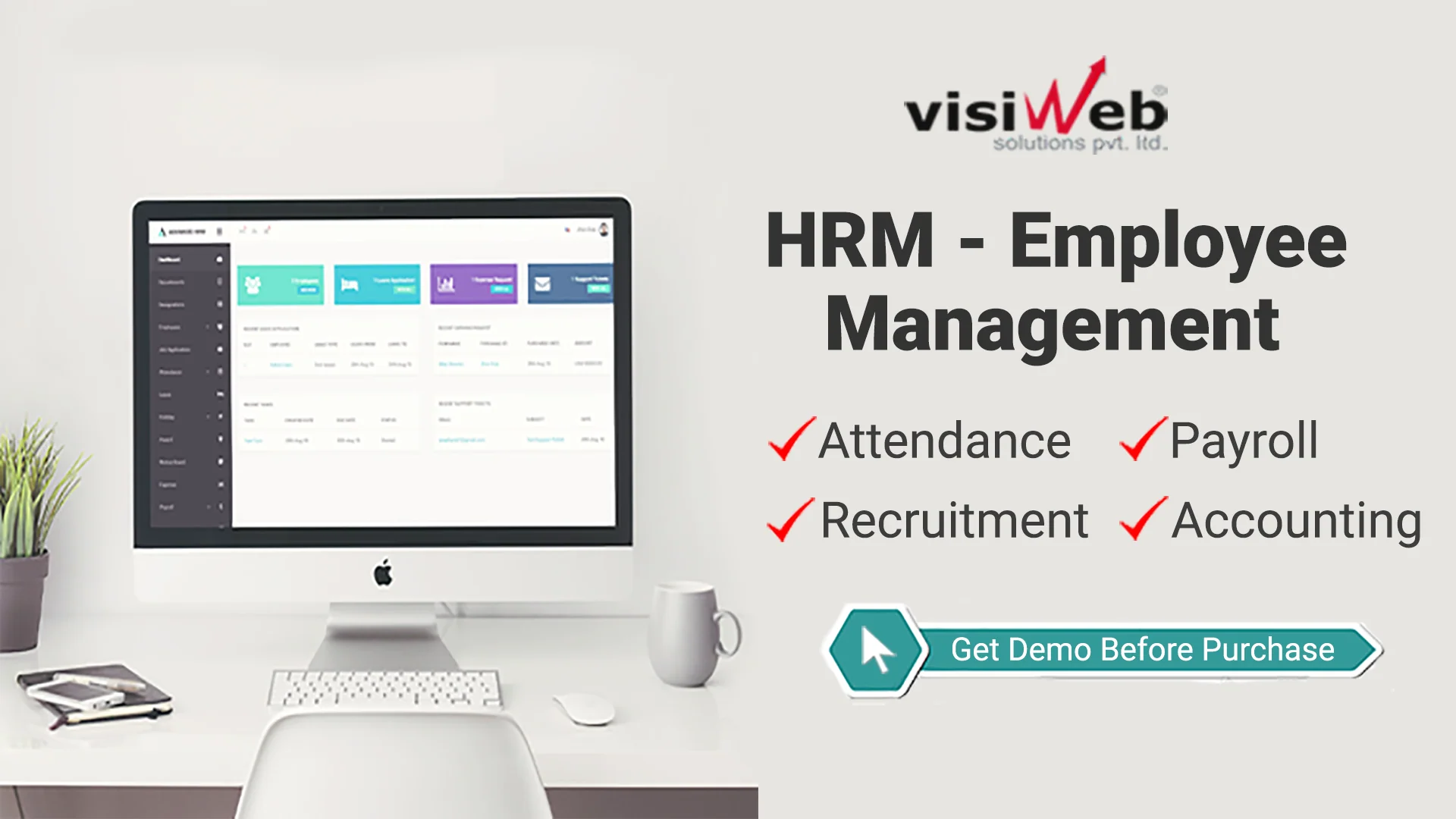
Employee information becomes harder to manage when attendance, leave and documents are scattered across spreadsheets and messages. An HRM brief should describe your teams, locations, approval hierarchy and reporting needs. Define who can view or update sensitive records and how changes are reviewed. Payroll calculations, biometric devices and accounting connections vary by organisation, so these should be confirmed explicitly rather than assumed to be included.
Employee records with role-based access
Leave requests and approval responsibilities
Attendance sources and reporting requirements

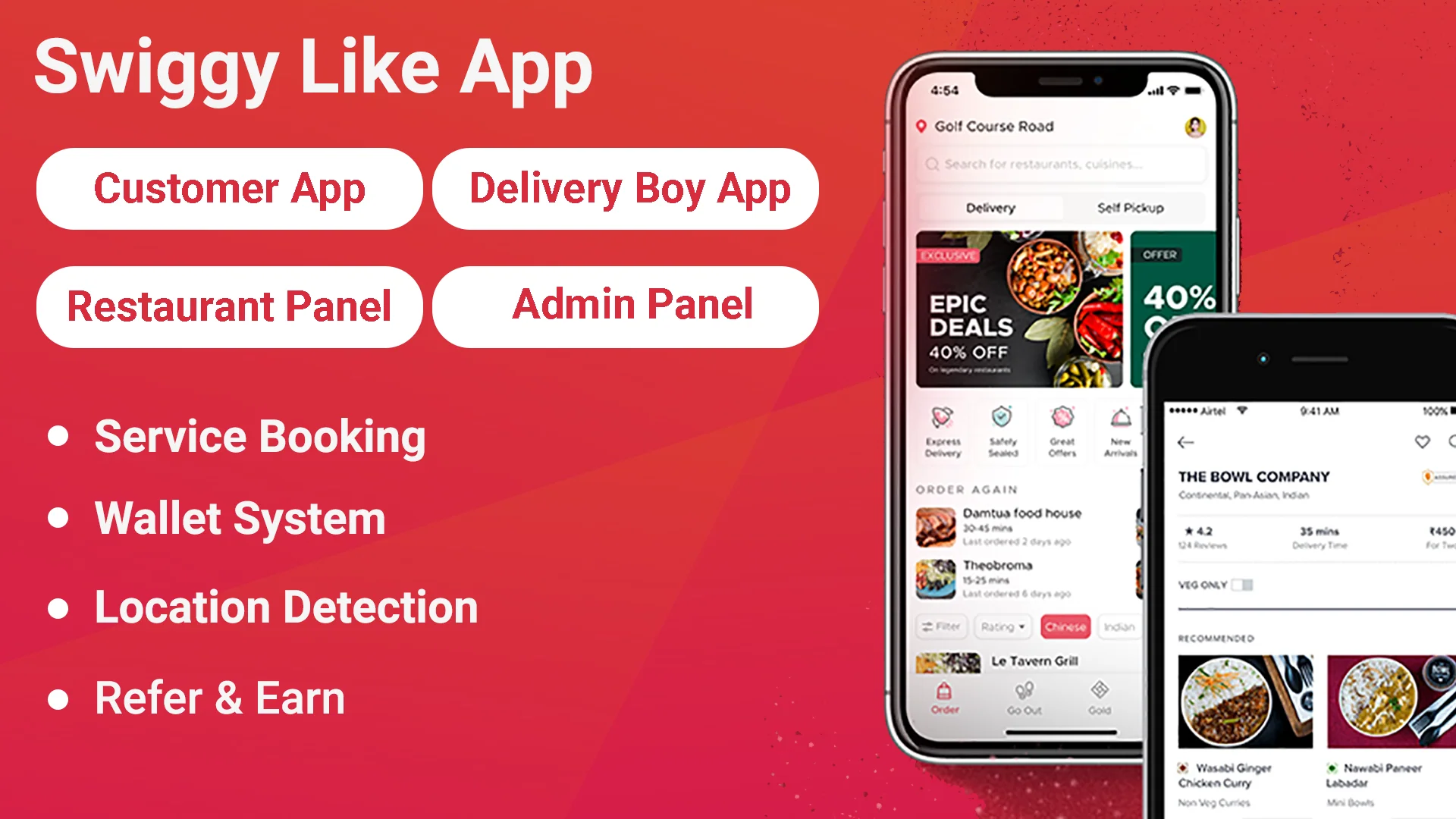
Connect the customer, kitchen and delivery team
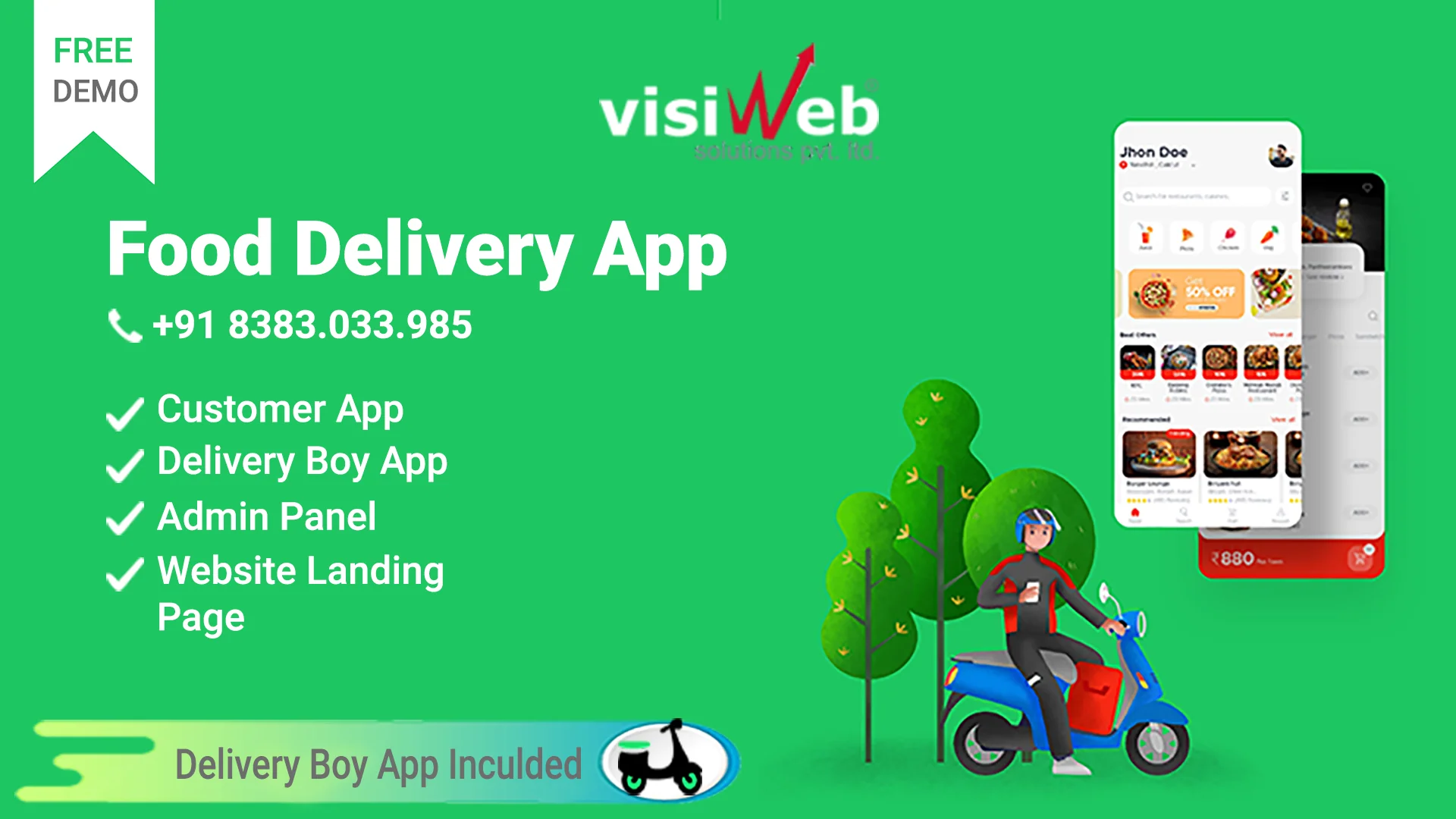
A food delivery app works best when the order journey reflects real kitchen capacity and delivery operations. Map what happens after an order is placed: acceptance, preparation, assignment, pickup and completion. Decide how customers receive updates and how the team handles unavailable items or cancellations. Delivery-provider integrations, maps and messaging services can have separate usage costs that should appear clearly in your project scope.
Order stages with clear staff responsibilities
Menu options, service areas and availability
Customer updates and delivery integrations

Give each department a consistent view of the work
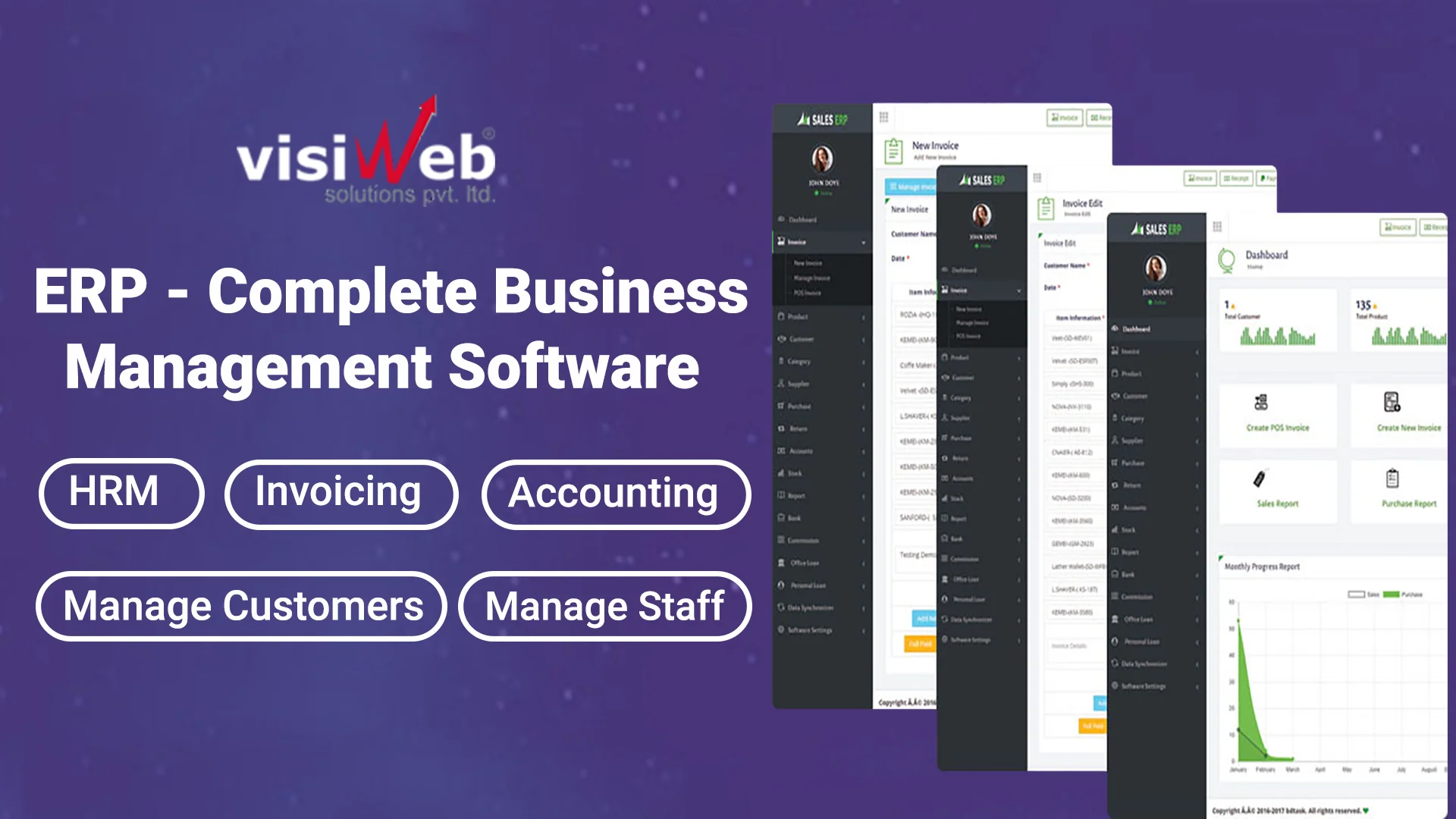
Business management software can connect purchasing, inventory, sales and reporting, but the right starting point depends on your bottlenecks. Map how information moves between teams and identify where duplicate entry creates mistakes. Agree on product identifiers, approval rules and ownership of each record before importing data. A phased rollout gives your team time to test one complete workflow before connecting additional departments.
Map the purchase-to-sale workflow
Define a reliable source for master records
Prioritise the reports used for daily decisions

Help travellers compare and book with confidence
Travel and hotel booking websites need clear availability, useful descriptions and transparent booking conditions. Define room or tour types, seasonal pricing, occupancy rules and the steps required to confirm a reservation. If another system controls availability, decide how frequently it must synchronise and what happens when inventory changes. Cancellation rules and third-party booking connections should be part of the planning conversation.
Room, tour and availability structures
Seasonal rates and booking conditions
Confirmation and cancellation workflows

Make wholesale ordering practical for regular buyers
Wholesale customers often need account-specific prices, minimum quantities and a fast way to reorder familiar products. Describe how your sales team handles quotations, approvals and payment terms today. The platform can then be scoped around the buying process your trade customers already understand. Catalogue imports, stock synchronisation and credit-related workflows require clear business rules and should be listed individually in the proposal.
Buyer accounts and customer-specific catalogues
Minimum quantities and reorder journeys
Quotation approvals and payment-term requirements

Connect administration with the information families need
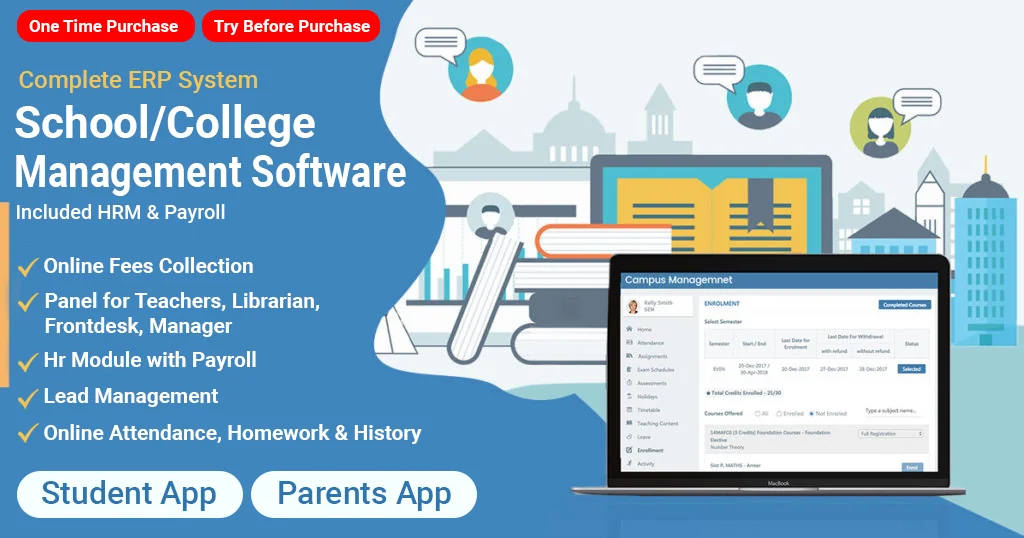
School and college systems serve several different users, from office staff and teachers to students and guardians. Start by defining what each group should see and the tasks they need to complete. Admissions, attendance, timetables, fees and notices can be introduced in stages. Agree on data-import formats and access permissions early, especially when migrating existing student records or maintaining academic-year histories.
Separate staff, student and guardian access
Admissions and academic-year data planning
Attendance, notices and fee-management scope

Choose custom development when the workflow is different
A predefined package is a useful starting point, but some businesses need specialist approval rules, unusual booking journeys or connections to existing software. A custom project begins by documenting those differences. Agree on a first release that solves the essential problem, with acceptance criteria for each feature. This makes quotations easier to compare and provides a practical basis for reviewing progress during development.
Document workflows that standard packages cannot cover
Define user roles and integration boundaries
Agree on measurable acceptance criteria

Plan the complete booking-to-drop-off experience
A taxi booking product involves passengers, drivers and an operations team. Define your service area, booking types, fare rules and driver-assignment process before selecting features. Consider how cancellations, waiting time and support requests are handled. Location updates, mapping, payment processing and notifications depend on external services, so both integration scope and ongoing usage costs need to be understood before launch.
Passenger, driver and dispatcher journeys
Service areas, fares and cancellation rules
Maps, payment and notification dependencies

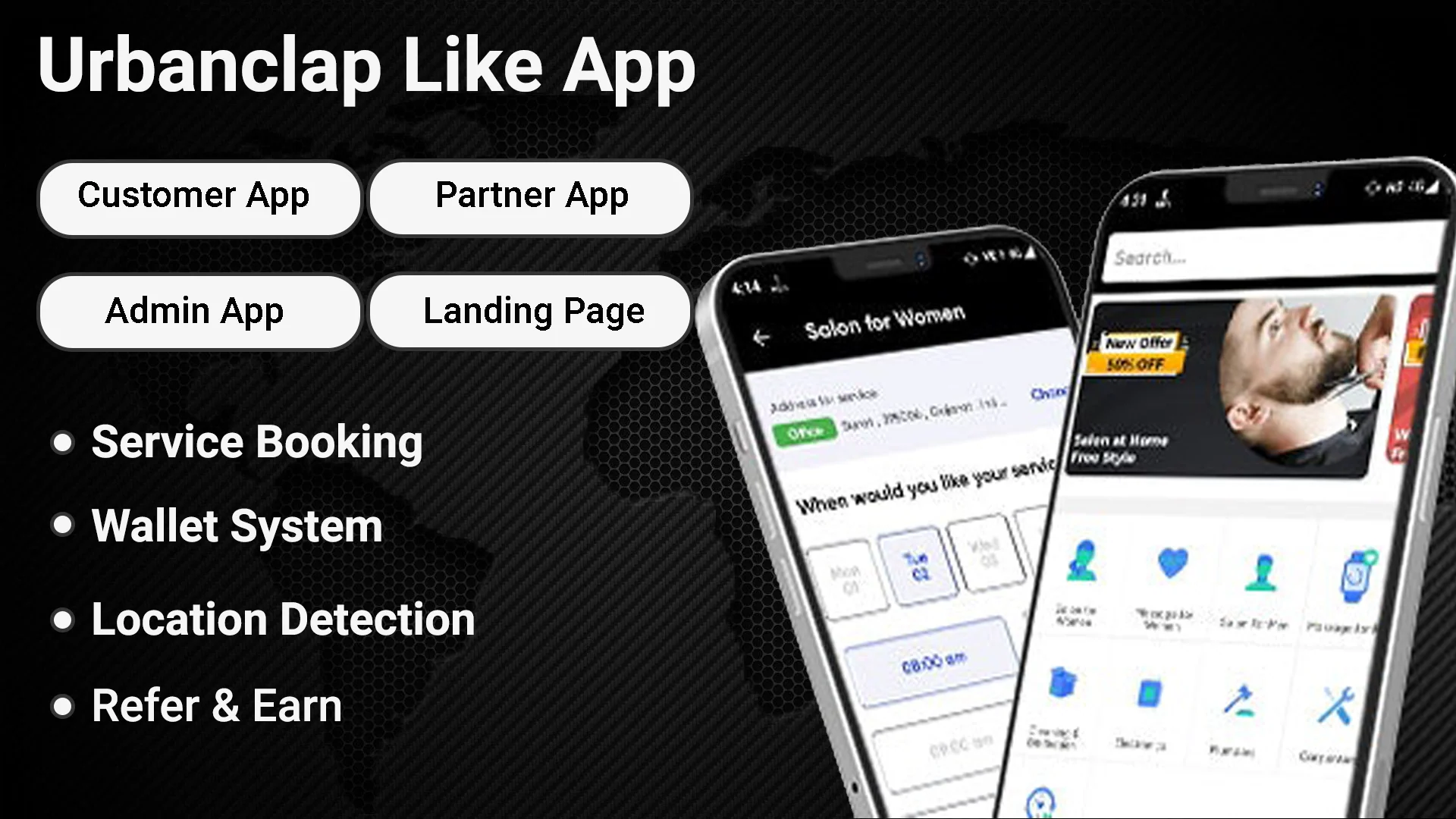
Make service booking clear for customers and providers
A home-services marketplace needs to explain what a service includes, where it is available and how appointments are confirmed. Define provider onboarding, availability, quotations and rescheduling before designing the booking flow. Some jobs can use fixed prices, while others need an inspection or discussion first. Setting those expectations clearly reduces confusion for customers and gives service providers a more useful job brief.
Service categories and provider onboarding
Appointments, quotes and rescheduling rules
Clear job details and completion workflows

Give each restaurant control within a shared marketplace
A restaurant marketplace needs a consistent customer experience while allowing individual outlets to manage menus, opening hours and order availability. Plan how restaurants join, how orders are routed and who handles customer support. Commission rules, settlement reports and delivery ownership should be documented early. Multi-outlet operations also need clear permissions so each team sees the information relevant to its own location.
Restaurant accounts and menu ownership
Order routing and opening-hour controls
Commission and settlement-report requirements

Build a clear path from the ad to the right offer
Paid search works best when the message in an advertisement matches the page visitors land on. Decide which service to promote, which locations to target and what counts as a useful enquiry. A focused landing page should explain the offer, answer practical questions and present a straightforward form. Advertising spend, campaign management and landing-page work should be shown separately when comparing quotations; results are not guaranteed.
Align the advertisement with one clear offer
Define locations, audience and enquiry goals
Separate media spend from setup and management

Plan integrations before they become a launch blocker
Payments, accounting, CRM, delivery and messaging connections can change both the cost and timeline of a project. List the systems you already use and confirm whether API access is available on your current plans. Share sample data and describe which system owns each record. Your proposal should explain the integration boundaries, failure handling and any third-party approvals needed before the connection can go live.
Inventory existing tools and available API access
Identify the system responsible for each record
Plan retries, error messages and reconciliation

Check the experience on the screen your customers use
A layout that looks good on a large monitor can still be awkward on a phone. Review navigation, tap targets, forms, product information and important calls to action at smaller widths. Images should be sized for their display area, and the page should remain readable when text is enlarged. Agree on the key devices and user journeys to test before signing off the design.
Readable content and accessible controls
Forms and purchase journeys on smaller screens
Responsive images and practical performance checks

Know what happens after the project is ready
A successful handover includes more than a link to the finished website. Confirm domain and hosting ownership, administrator access, backup responsibilities and how your team will manage everyday changes. Review forms, payments and important links using agreed test scenarios before launch. Your final proposal should explain the support period, what maintenance covers and how future changes are estimated, so the next stage is as clear as the first.
Review launch tests and administrator access
Agree on hosting, backups and maintenance ownership
Record support terms and the process for new changes
Give your audience content with a reason to engage
A social media plan should connect what your audience wants to know with what your business can demonstrate. Product explanations, practical advice and authentic behind-the-scenes material give you more to work with than repeated promotions. Agree on the channels, posting frequency, approval process and assets required. Community replies, video production and paid promotion are separate responsibilities that should be made clear in the scope.
- 01
- 02
- 03
Explore social media packages ↗Content themes tied to real customer questions
An approval calendar and brand guidelines
Clear responsibilities for replies and promotion