

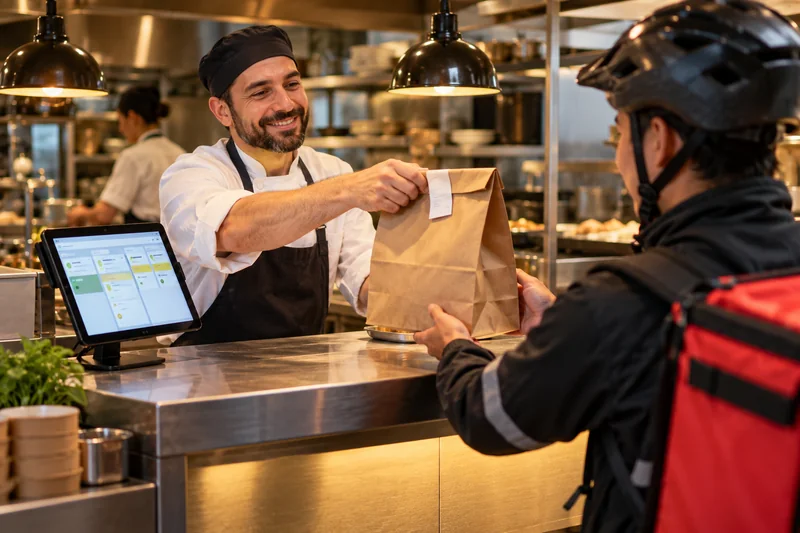
A food delivery app coordinates an operation as well as displaying a menu. Customers need clear choices and updates, kitchens need reliable order information, and riders need accurate pickup instructions. Before choosing features, map how an order moves through your business and who is responsible when something changes. That workflow should guide the screens and notifications you build.
Define meaningful order states
Use a small set of states your team understands, such as received, accepted, preparing, ready for pickup, collected and completed. Explain who can change each state and what evidence is required. Keep payment and fulfilment separate where necessary. A paid order is not automatically prepared, and driver assignment does not mean collection. These distinctions help customer messages reflect what actually happened.
Connect the menu to availability
Decide who updates items, add-ons, prices and opening hours. If something becomes unavailable, the customer interface and staff process should agree on the next step. Consider delivery areas and preparation capacity before accepting orders. The app should represent an operation you can support, rather than accepting every request and leaving the restaurant team to explain restrictions afterward.
Plan the kitchen-to-rider handoff
Mark an order ready only when it is actually ready for collection. Identify how the rider is notified and how staff verify the correct order. Include an order reference and useful pickup instructions. If an external delivery platform is involved, agree which system owns assignment and status updates. Avoid different teams changing the same information without a rule for resolving conflicting updates.
Design exception handling early
List situations such as rejection, cancellation, unavailable items, delays and changed addresses. Each needs an owner, a customer message and an allowed next action. A generic error is rarely enough for someone waiting for a meal. Staff need context to resolve the issue without reconstructing the entire history. Include the important exception states in the first operational test, not only in a later enhancement list.
Check time and notification rules
Record the time zone expected by each connected service and how times appear to users. Test an example end to end instead of assuming identical-looking time strings mean the same thing everywhere. Decide which notifications come from the app, restaurant or delivery provider. Messages should follow meaningful changes and avoid contradictory statements about preparation, collection or arrival.
Rehearse complete orders
Use controlled test orders to review menu selection, payment outcomes, acceptance, pickup and completion. Include failures and repeated messages from connected services. Review staff screens with the people who will operate them during a busy shift. A clear next-action control may matter more than a large dashboard. Document who monitors unresolved orders and how the team handles a connection outage.
Your practical checklist
- Clear order states and owners
- Menu and service-area controls
- Verified pickup handoff
- Documented exception handling
- End-to-end timing tests