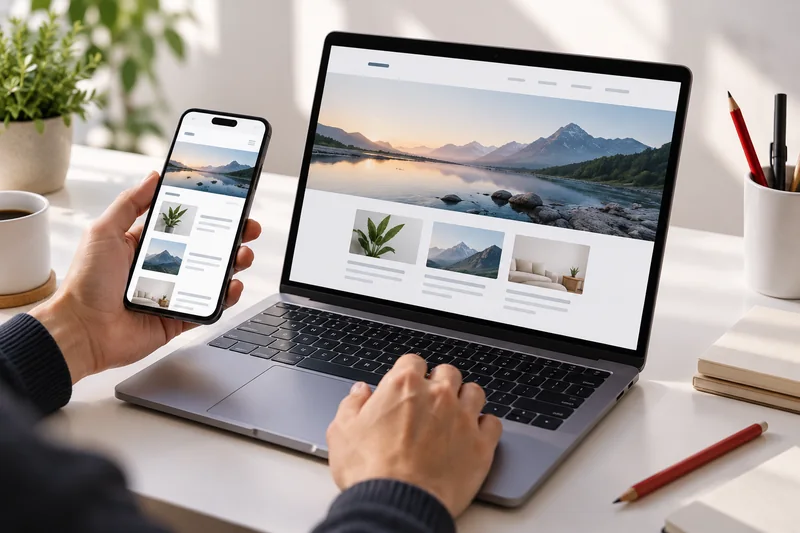


A business website is often where a potential customer decides whether to contact you. An attractive design helps, but it cannot explain an unclear offer or repair a confusing enquiry process. Before selecting a package, prepare a brief that connects your business goals with what visitors need to understand. This makes design discussions more productive and quotations easier to compare.
Choose the primary action
Decide what a useful visit should lead to. A consultancy may need a detailed project enquiry, while a local service provider may prefer a phone call or appointment request. Your website can support several actions, but one should guide the main page structure. Define what information makes an enquiry useful and ask only for details your team will actually use.
Build a page map around customer questions
Give every page a clear purpose. Explain your services, provide genuine examples, describe the business and offer an obvious contact route. Avoid repeating the same promotional paragraph on every page. Read the menu as someone who knows nothing about the company: they should find an answer without guessing what a creative label means. A simple structure is easier to maintain as the business grows.
Prepare content before finalising the design
Gather your logo, service descriptions, contact information and approved photographs early. For each service, describe the intended customer, the work included and the information needed for a quote. Use genuine project examples and explain your contribution accurately. If pricing depends on scope, describe the factors instead of implying that one price covers every project. Assign someone to approve the final copy.
Review the complete mobile journey
Test the path from arriving on a service page to sending an enquiry. Check readable text, clear form labels and controls that are easy to use on a phone. The form needs helpful validation, a useful error message and a confirmation after successful delivery. Preserve the customer’s input if the request fails. A visual success animation is not enough unless the enquiry actually reaches the receiving service.
Document ownership and ongoing responsibilities
Confirm who controls the domain, hosting and administrator accounts. Agree on who supplies content, approves changes and handles ordinary updates after launch. Ask what support includes and how larger changes are quoted. A small website with supplied content is a different scope from one that requires interviews, new copy and photography. Making those assumptions explicit prevents avoidable confusion during delivery.
Turn the brief into acceptance checks
Connect each requested feature to an observable result. A quote form should validate its fields, send the enquiry to the agreed receiver and open the correct confirmation page. A service page should explain its offer and provide a working contact link. Keep optional improvements in a later-phase list so the first release remains focused and reviewable. This gives both the business and developer a shared definition of ready.
Your practical checklist
- One primary visitor action
- A clear page map and content owner
- Approved images and genuine project examples
- Tested enquiry delivery and confirmation
- Documented domain, hosting and support ownership